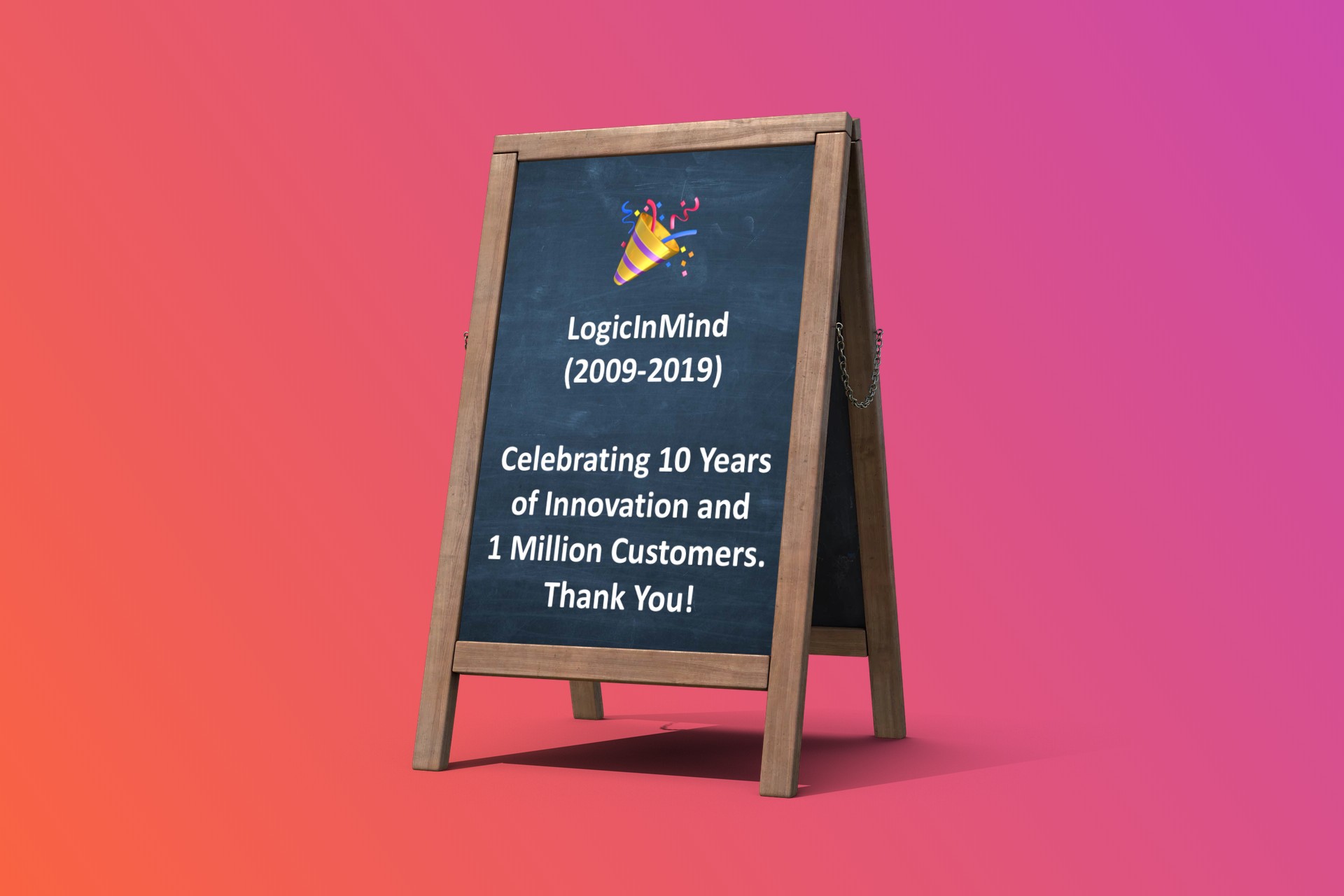
Celebrating 10 Years of Innovation and 1 Million Customers. Thank You!

Helply
The Life Saving Community

Top Priority
#1 Daily Task Manager
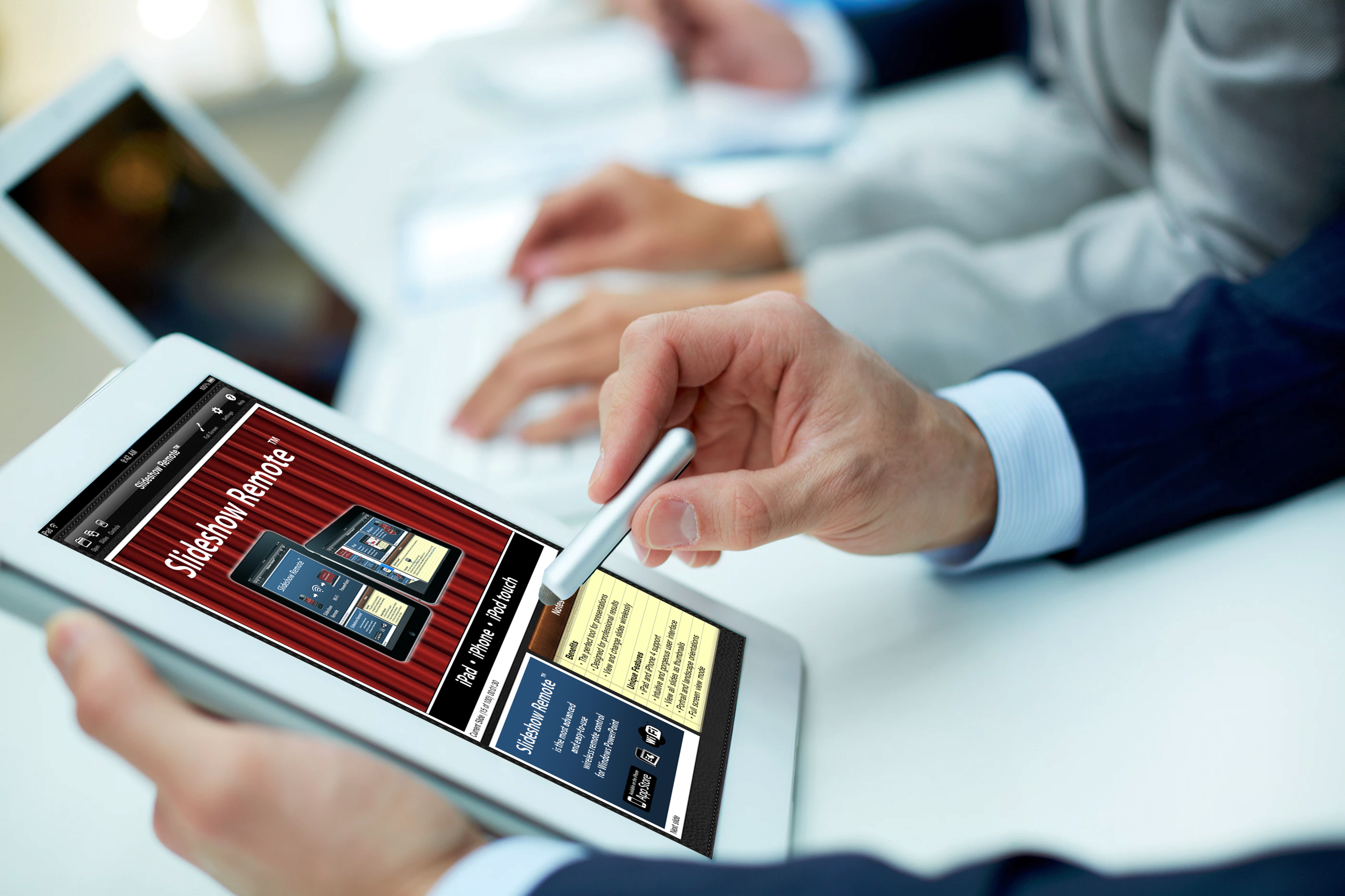
Slideshow Remote
The most advanced PowerPoint
remote control
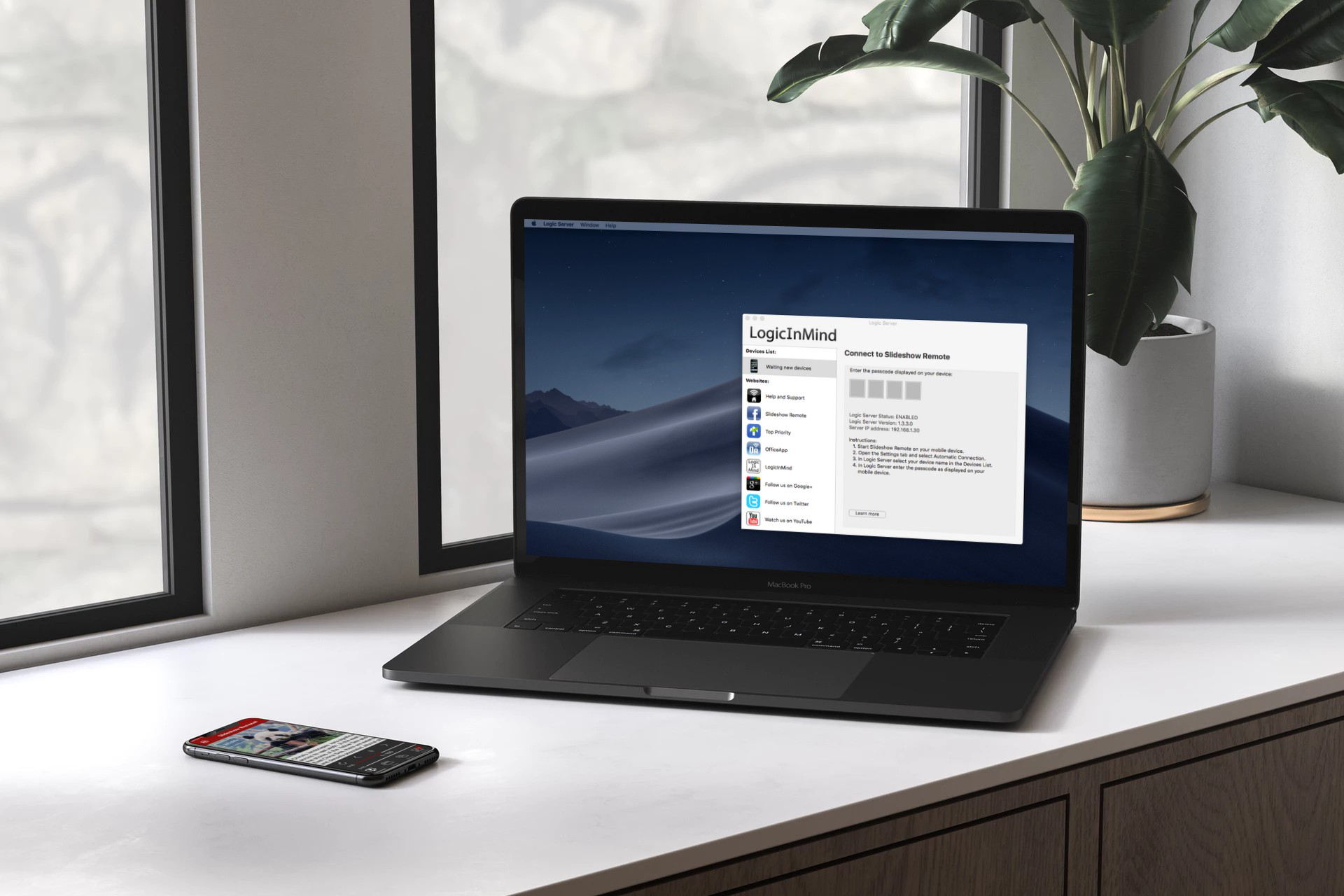
Logic Server
Mac/Win
Copyright © 2009-2025 LogicInMind. All Rights Reserved.
Slideshow Remote, Logic Server, Secure PKS, OfficeApp, ContactIn are registered trademarks of LogicInMind.
Helply, Top Priority, AirTuner are trademarks of LogicinMind.