PowerPoint Tips
We offer you some very interesting tips to improve your PowerPoint presentations. Enjoy!
Tip #1: Widescreen slideshow
Want to impress your audience with your entire widescreen monitor?
- PowerPoint 2003: Open the Page Setup dialog and set a custom size for your slide show:
- Width = 12.44 inch = 32 cm
- Height = 7.09 inch = 18 cm
- PowerPoint 2007: Open the Page setup dialog and select On-screen show (16:9)
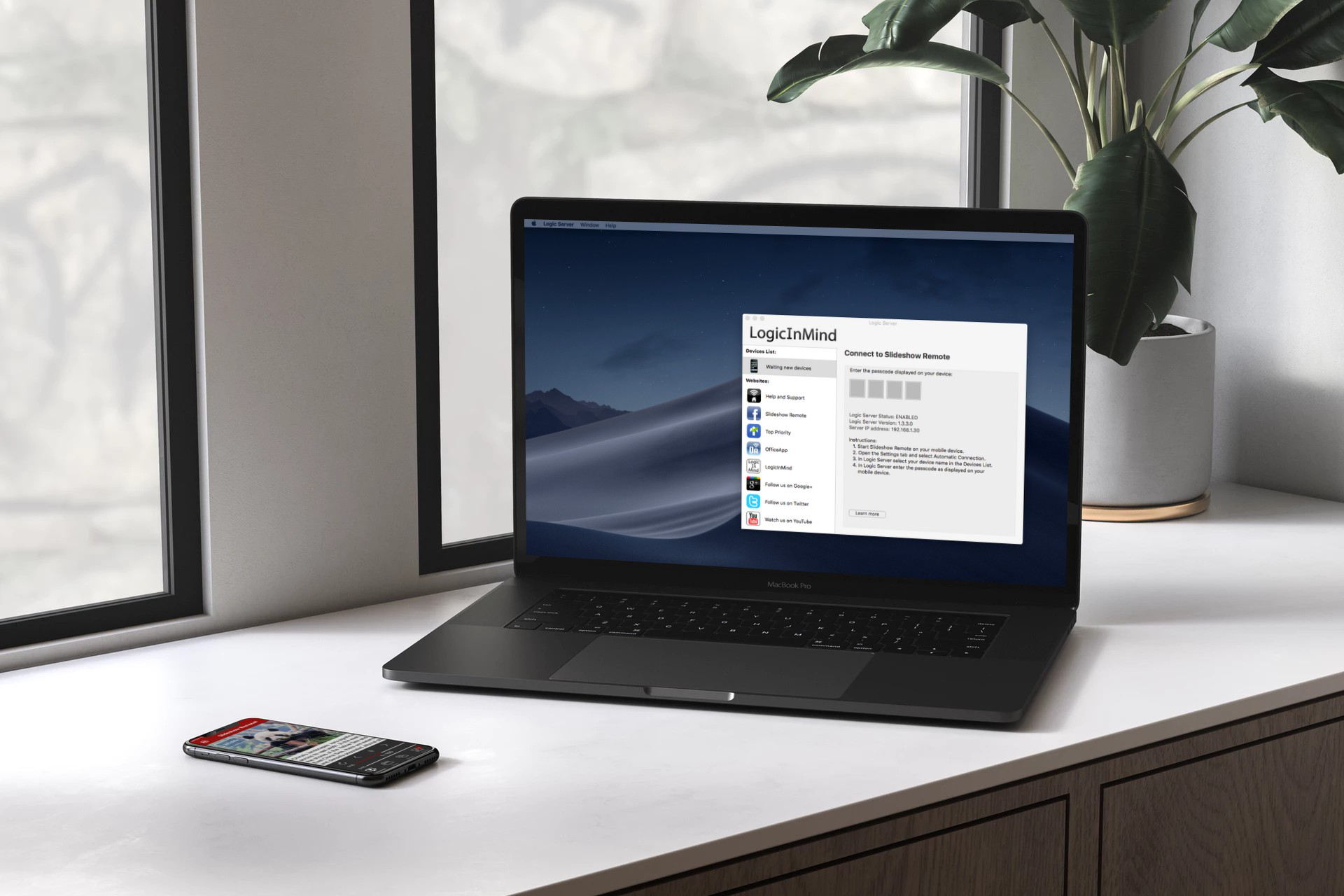
- Logic Server: Select Widescreen capture mode in the settings.
Tip #2: Multiple monitors
I have multiple monitors attached to my PC...
- To tell PowerPoint which monitor to use in fullscreen presentation view:
Slide Show menu > Set Up Slide Show > Display slide show on (select one monitor) - To tell Logic Server which monitor to capture:
Settings > Capture Monitor (select one monitor)
Tip #3: Add reader's notes
You don't want to forget important details...
- In the View menu, select Notes Page.
- Type all your thoughts here - no one will ever see it.
- Add bold, italic and colors with the Fonts dialog box.
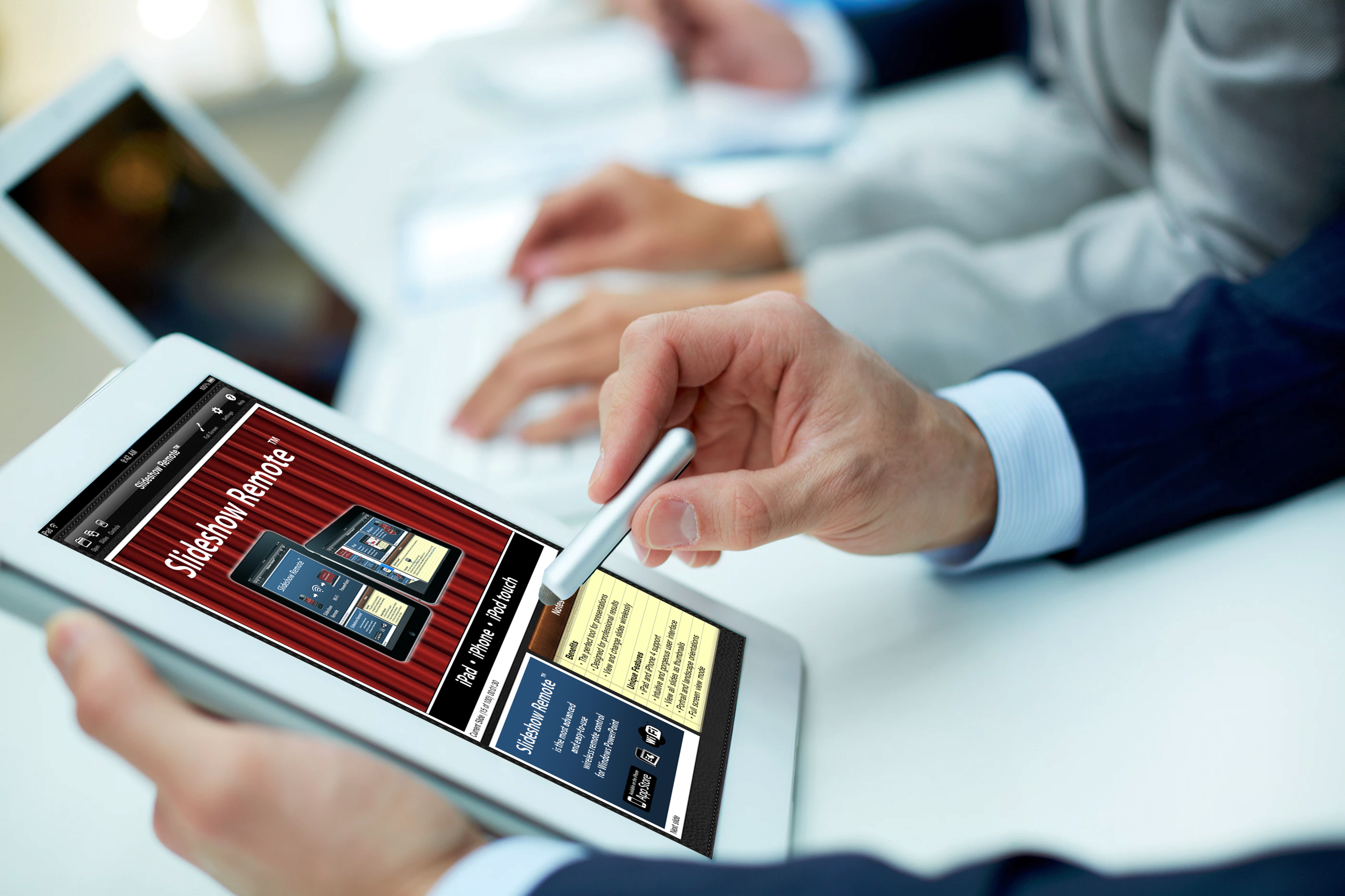
- View your slides and notes with Slideshow Remote™.