
Logic Server™ Download and Installation
1. Click on the link below
Download Logic Server for Windows XP/Vista/7/8
Download Logic Server for Mac OS X 10.7 or later
Note: You can ignore message “LogicServer.exe is not commonly downloaded and could harm your computer” if you download Logic Server from logicinmind.com.
2. Download and Run Logic Server
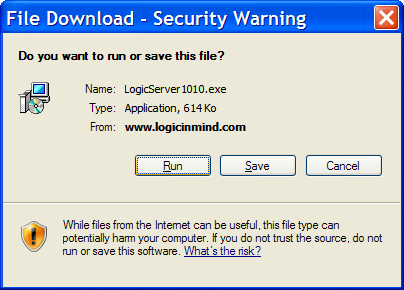
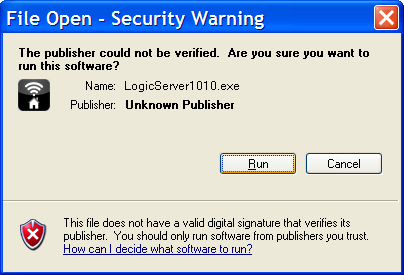
3. Allow Windows to run Logic Server
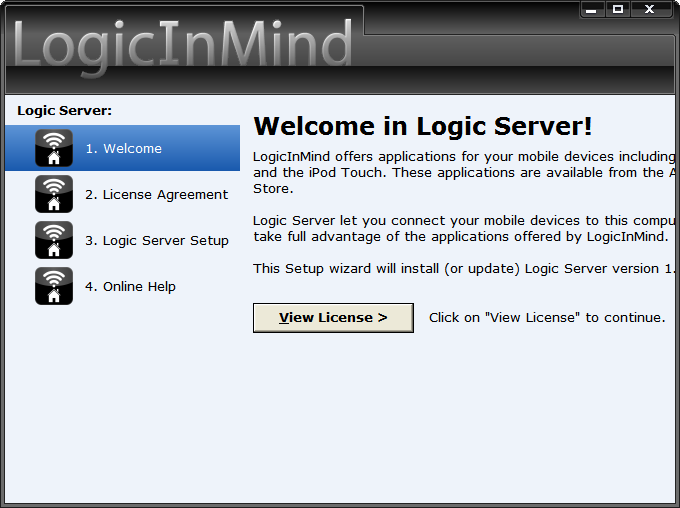
4. Read the setup intro screen and click View License
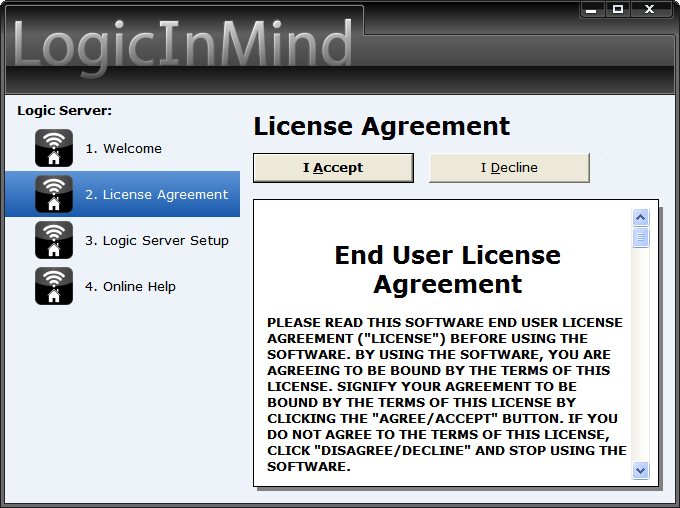
5. Read carefully the License Agreement and Accept/Decline it
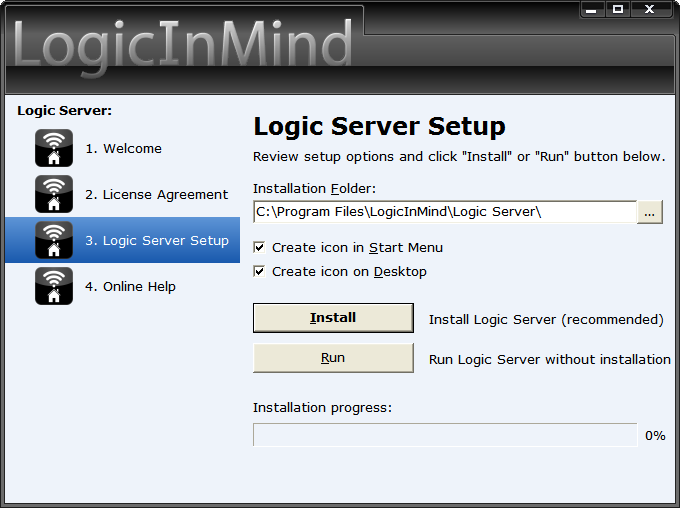
6. Review setup options and click Install
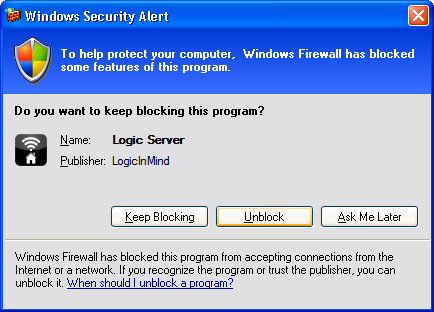
7. Allow Windows to unblock Logic Server
Copyright © 2009-2025 LogicInMind. All Rights Reserved.
Slideshow Remote, Logic Server, Secure PKS, OfficeApp, ContactIn are registered trademarks of LogicInMind.
Helply, Top Priority, AirTuner are trademarks of LogicinMind.