Home Slideshow Remote™ Logic Server™ Support
Home » Products » Slideshow Remote™ » Slideshow Remote™ Features
Products
• Slideshow Remote™
Features
Screenshots
Buy Now
Quick Guide
• Logic Server™
Features
Screenshots
Download
 
Support
• Help and How To
• Contact Us
 
Links
• Facebook
• Twitter
• YouTube
 

Slideshow Remote™ Features


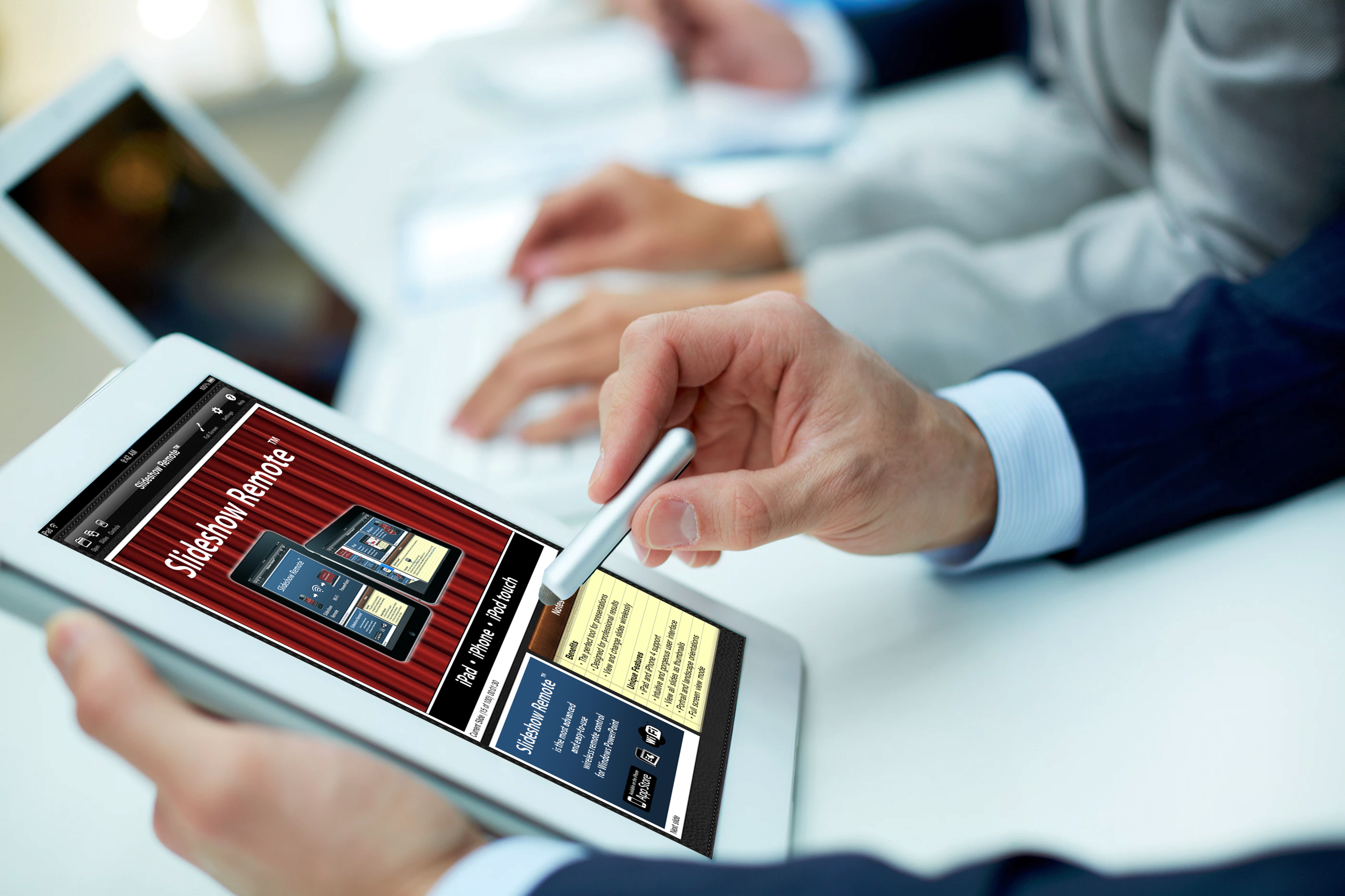
Slideshow Remote™ let you control PowerPoint for Windows with your iPhone and iPod Touch.

Your PowerPoint presentations will be much more dynamic! See your slides and personal notes in the palm of your hand, swipe to change slides on the fly and impress your audience!

Slideshow Remote™ stands out by its ease of use and gorgeous glossy black user interface. This application is designed for Microsoft PowerPoint and Open Office Impress. You can also control any application that supports Page Up & Page Down keys: Microsoft Word, Adobe Acrobat, your web browser and many other applications.

Join thousands of satisfied customers: get Slideshow Remote™ now!

Features

  • Zero Configuration Networking
  • Tap or swipe to advance one slide
  • Swipe left to return to the previous slide
  • Slider to reach the slide of your choice
  • Scroll through your PowerPoint notes
  • Start and stop the slideshow (F5/Escape)
  • Blank the screen (black or white)
  • Swipe up to refresh the screen
  • Illustrated quick reference guide

Requirement

  • Windows XP/Vista
  • Wi-Fi network, local or ad-hoc
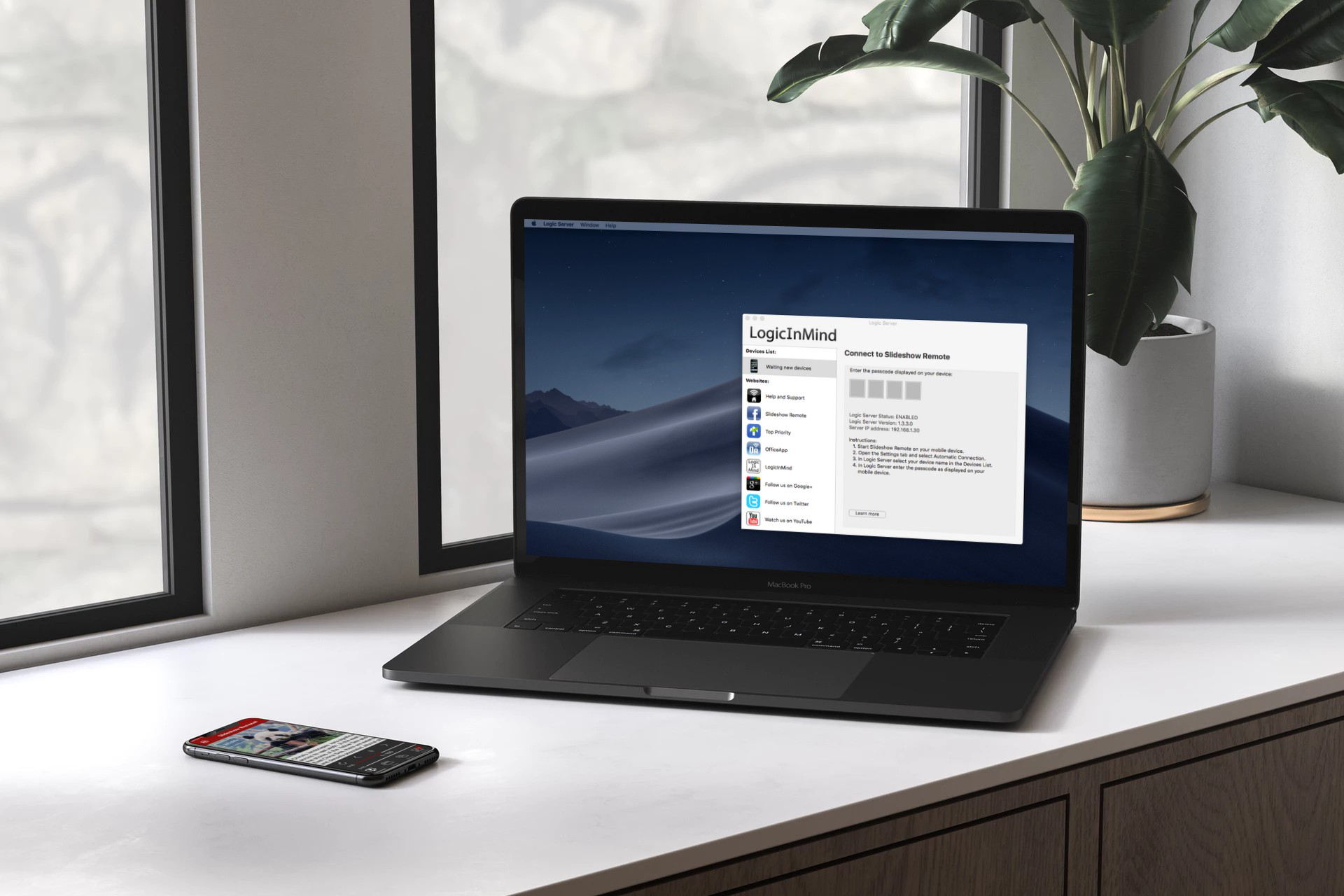
  • Logic Server for Windows by LogicInMind
  • Bonjour for Windows installed with iTunes

_________________________________________________________________

Rating:

"Slideshow Remote from LogicInMind finally puts the controls in your hand, and
allows you to focus on what a presentation should really be about: presenting
rather than wrestling with technology" Bonnie Eisenman
Read the full review on 148Apps...
_________________________________________________________________

Available on the App Store


Copyright © 2009-2010 LogicInMind. All Rights Reserved.